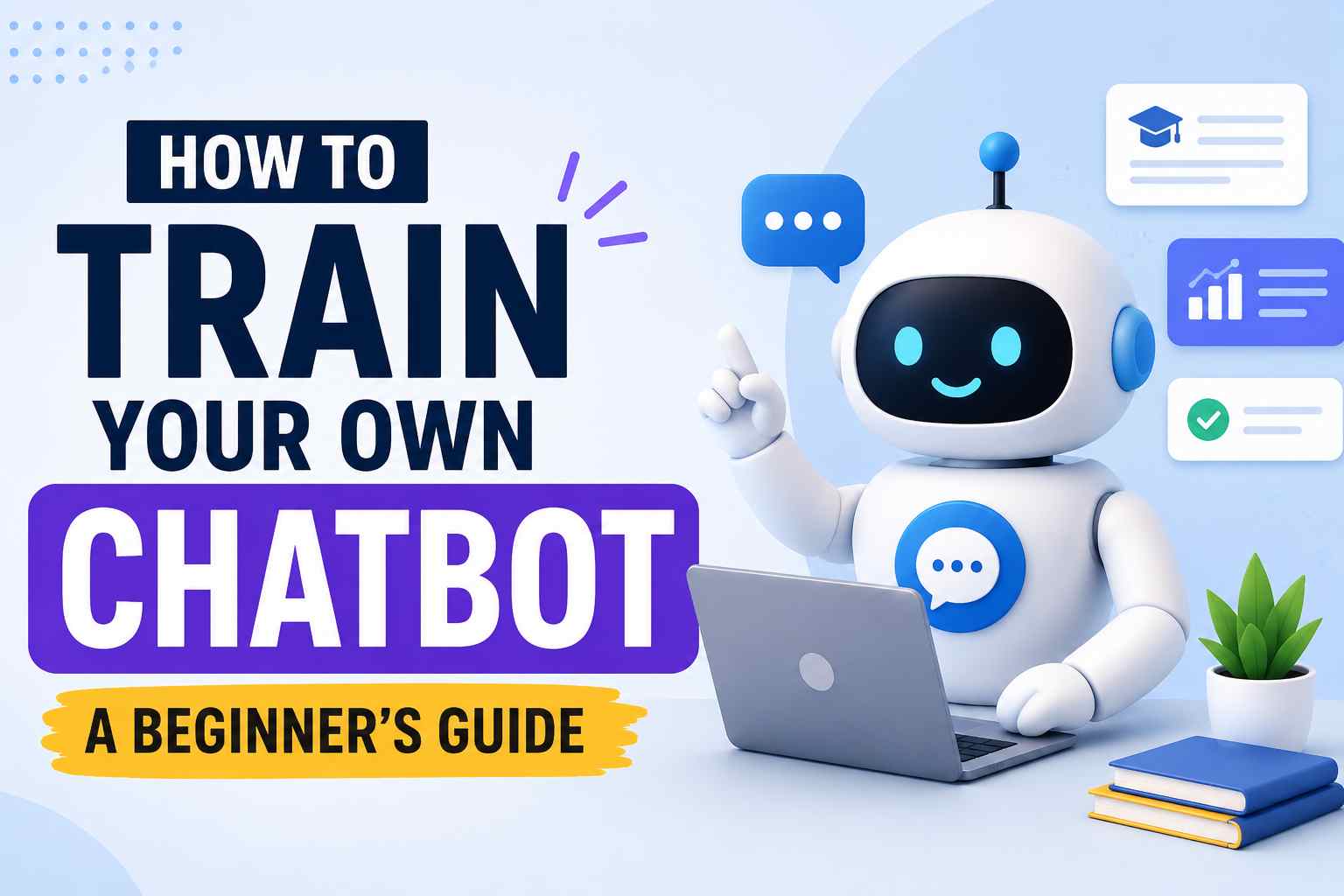
You don’t need a PhD in machine learning to create a chatbot that answers questions, automates support, or acts as a personal assistant. In 2026, training your own chatbot is more accessible than ever—thanks to no‑code platforms, easy‑to‑fine‑tune language models, and drag‑and‑drop interfaces. This beginner’s guide walks you through every step, from choosing your approach to deploying a working bot.
Table of Contents
- Two Main Approaches: No‑Code vs. Custom Training
- Option 1: Train a Chatbot with a No‑Code Platform
- Option 2: Fine‑Tune Your Own AI Model
- Data Preparation: The Secret to a Smart Chatbot
- Deploying Your Chatbot: Websites, WhatsApp & More
- Testing & Continuous Improvement
- Frequently Asked Questions
Two Main Approaches: No‑Code vs. Custom Training
When people say “train your own chatbot,” they usually mean one of two things:
- No‑code chatbot builder: You feed the bot your FAQs, documents, or website links, and it uses a pre‑trained AI (like OpenAI’s GPT or Google Gemini) to generate answers based only on your content. No coding required.
- Custom model fine‑tuning: You take an open‑source language model (like Meta’s Llama or Mistral) and train it further on your own domain‑specific conversations. This requires Python skills and a GPU, but gives you full control.
For most beginners, the no‑code approach is faster, cheaper, and delivers excellent results. We’ll cover both paths so you can decide what fits your goal. Need a quick AI assistant right now? See our list of AI writing assistants that work out of the box.
Option 1: Train a Chatbot with a No‑Code Platform
No‑code platforms let you build a custom AI chatbot by simply uploading your knowledge base. The platform handles the AI and hosting.
Step‑by‑Step (Using a Platform like Chatbase, Dante AI, or CustomGPT)
- Choose a no‑code chatbot tool. Popular options include Chatbase, Dante AI, and CustomGPT. They offer free trials so you can test before paying.
- Upload your data. You can provide:
- PDFs, Word docs, or text files
- Website URL (the tool crawls your site)
- Manually typed Q&A pairs
- Zendesk or Intercom exports
- Customize the bot’s personality. Set a system prompt: “You are a friendly customer support agent for an online store. Answer only using the provided knowledge. If you don’t know, say so.”
- Test in the playground. Ask questions and see if the bot uses your uploaded data correctly. Adjust the prompt or add missing content.
- Deploy anywhere. Most platforms give you an embeddable widget for your website, a shareable link, or API access.
Pros & Cons of No‑Code Chatbot Training
| Pros | Cons |
|---|---|
| Zero coding required | Monthly subscription fees |
| Setup in minutes to hours | Limited control over underlying model |
| Uses powerful foundation models (GPT-4, Claude) | Data leaves your environment (privacy concerns) |
| Handles scaling and hosting automatically | Customization beyond the knowledge base may be limited |
Option 2: Fine‑Tune Your Own AI Model
If you need a chatbot that mimics a specific writing style, understands highly technical jargon, or works completely offline, fine‑tuning a model gives you total ownership.
What Fine‑Tuning Means
You start with a base model (like GPT‑3.5, Llama 3, or Mistral) and feed it many examples of “user message → ideal response.” The model adjusts its internal weights to better match your desired behavior.
Step‑by‑Step Fine‑Tuning with OpenAI (Easiest Code Path)
- Get your data ready. Create a JSONL file where each line is a conversation turn in this format:
{"messages": [{"role": "user", "content": "..."}, {"role": "assistant", "content": "..."}]} - Upload the file to OpenAI. Use the OpenAI API to upload the training file.
- Create a fine‑tuning job. Start training on `gpt-3.5-turbo` (cheapest option). The process may take minutes to a few hours.
- Test the fine‑tuned model. Once complete, you can use it via the API just like the standard GPT models.
- Deploy with a simple frontend. You’ll need a basic chat interface (HTML/JS) or a platform like Streamlit to make it user‑facing.
For those comfortable with Python, this approach costs only a few dollars for training (a small dataset of 100‑200 examples). OpenAI’s fine‑tuning guide is well‑documented, and you can find more no‑code AI building tips in our guide to AI tools for small businesses.
Open‑Source Models (Llama, Mistral, Gemma)
If you need full privacy or offline capability, you can fine‑tune an open‑source model. Platforms like Hugging Face provide pre‑trained models and tools like AutoTrain that abstract away much of the code. You’ll still need a good GPU (or use cloud GPUs via Google Colab, RunPod, or Lambda Labs).
Data Preparation: The Secret to a Smart Chatbot
Whether you use a no‑code tool or fine‑tune a model, the quality of your data determines 90% of the bot’s success. Follow these rules:
- Be specific and consistent. If a customer asks about returns, the bot should always give the same correct process.
- Include negative examples. Show the bot what not to answer. For example, “What is your political opinion?” → “I’m here to help with [topic]; I don’t discuss politics.”
- Clean your data. Remove placeholder text, internal notes, and formatting glitches.
- Cover the long tail. Don’t just upload 10 FAQs. Include variations of the same question, misspellings, and edge‑case queries.
- Set boundaries. Define the bot’s scope: “You only answer questions about our products. For other topics, politely decline.”
Deploying Your Chatbot: Websites, WhatsApp & More
Once trained, your chatbot needs a home. Common deployment channels:
- Website widget: No‑code platforms provide a JavaScript snippet to embed a floating chat icon.
- Messaging apps: Connect your bot to WhatsApp, Telegram, or Facebook Messenger via official business APIs (or using a tool like ManyChat for non‑AI flows).
- Slack / Discord: Build a simple serverless function that responds to slash commands.
- API endpoint: Use a service like Vercel or DigitalOcean to host a small Python/Node.js app that your team can query.
If you’re deploying on a tight budget, we recommend reading our list of free AI tools for startups—many include chatbot deployment at no cost.
Testing & Continuous Improvement
Training is not a one‑time event. A good chatbot gets better over time.
- Review conversation logs weekly. Where does the bot fail? Add that missing information.
- Collect user feedback. A thumbs‑up/down button gives you direct signals.
- Retrain regularly. If your product catalog or policies change, update your knowledge base and re‑upload it.
- A/B test prompts. Small changes to the system prompt can dramatically improve tone and accuracy.
Frequently Asked Questions
Can I really train a chatbot without coding?
Absolutely. Platforms like Chatbase, Dante AI, and CustomGPT let you upload your documents and create a working chatbot in under 30 minutes, with no programming required.
How much does it cost to train a custom chatbot?
No‑code tools start at about $19–$49/month. Fine‑tuning OpenAI’s GPT‑3.5 can cost as little as $5–$20 for a small dataset, plus ongoing API usage. Open‑source models are free but require paid GPU time.
What’s the difference between a GPT (custom GPT) and a trained chatbot?
OpenAI’s custom GPTs are a specific no‑code feature inside ChatGPT. “Training your own chatbot” is a broader term that includes custom GPTs as well as standalone bots on other platforms.
Do I need a lot of data to train a good chatbot?
Not necessarily. For no‑code solutions, a thorough FAQ document (10–20 pages) often suffices. For fine‑tuning, you can start with as few as 50 high‑quality Q&A pairs and expand later.
Can I keep my chatbot’s training data private?
With no‑code platforms, data is processed on their servers. If privacy is critical, fine‑tune an open‑source model locally or on a private cloud. Always check the platform’s data usage policy.
Disclaimer: Platform features and pricing are accurate as of 2026 but may change. This guide may contain affiliate links. Always review a tool’s terms of service and privacy policy before uploading sensitive data.