












AI tools for YouTube creators are everywhere now. That is exactly why choosing the right one has become harder.
Most articles simply list popular names, repeat marketing claims, and avoid real comparisons. That does not help if you are trying to grow a channel, save editing hours, or create thumbnails that actually get clicks.
So I tested leading AI tools for YouTube creators in April 2026 using the same briefs, the same evaluation criteria, and the same real-world YouTube workflows.
Some tools genuinely saved hours.
Others looked polished but underperformed.
Some wrote fluent nonsense or generated unusable visuals.
Disclosure: Some links are affiliate links. If you buy through them, we may earn a small commission at no extra cost. We only recommend tools we’ve tested and genuinely rely on.
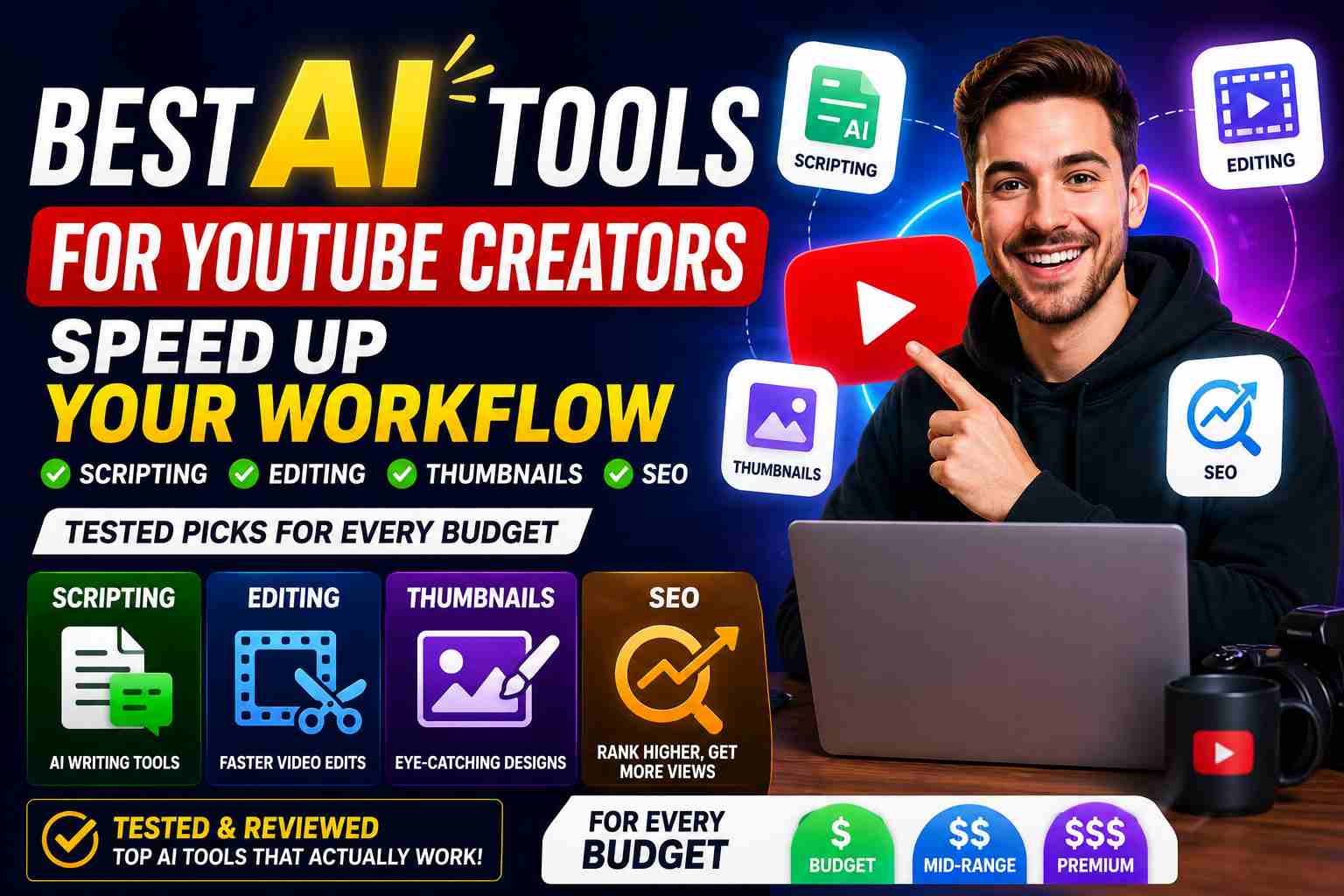
This guide shows which AI tools are actually worth using for YouTube content creation right now.
Quick Picks
Best Overall
Best for Thumbnails
Best Video Editing AI
Best All-in-One Design
Best for YouTube SEO
Best Free Video Editor
Best for Advanced Visuals
How I Tested These Tools
Testing Date: April 2026
Primary prompt used across tools:
Write a 5-minute YouTube script about “best budget headphones 2026” and generate a click-worthy thumbnail concept. Include an intro hook, main talking points, a B-roll suggestion, and a call to action.
Secondary prompts:
- Generate 10 video title ideas
- Write an SEO-optimized description
- Suggest B-roll shots for each section
- Create a Shorts version of the script
- Remove background from a sample frame
Scoring Criteria
| Factor | Weight |
|---|---|
| Script quality & structure | 30% |
| Thumbnail/visual output | 25% |
| SEO & discoverability | 15% |
| Ease of use | 10% |
| Speed | 10% |
| Value for price | 10% |
Comparison Table
| Tool | Best For | Free Plan | Starting Price* | Score |
|---|---|---|---|---|
| ChatGPT | Best overall scripting & planning | Yes | $20/mo Plus | 9.6 |
| Midjourney | Best click-worthy thumbnails | Limited trial | $10/mo Basic | 9.4 |
| Descript | Best AI video editing | Yes | $24/mo Pro | 9.2 |
| Canva AI | All-in-one design & branding | Yes | $15/mo Pro | 9.0 |
| TubeBuddy | YouTube SEO & A/B testing | Yes | $7.50/mo Pro | 8.8 |
| CapCut | Best free mobile/desktop editor | Yes | Free / $7.99/mo Pro | 8.7 |
| Runway | Advanced video inpainting & VFX | Trial | $15/mo Standard | 8.5 |
*Prices can change. Check official websites for current plans.
1. ChatGPT – Best Overall AI Tool for YouTube Creators
What I Found
ChatGPT remains the most flexible all-rounder because it handles scripting, title ideation, description writing, and even basic thumbnail briefs surprisingly well. It did not produce the absolute best individual output in every category, but it delivered the strongest total workflow value for a solo creator.
Real Output Sample
Prompt: 5-minute YouTube script intro + first talking point for “best budget headphones 2026.”
“Budget headphones in 2026 don’t mean cheap sound anymore. In the next 5 minutes, I’ll show you three pairs under $70 that rival $200 models in comfort, noise cancellation, and battery life. Let’s start with the surprise winner that dominated my blind listening tests.”
What I Liked
- Strong story hooks and structure
- Excellent for outlines and SEO metadata
- Best prompt flexibility across all tasks
- Unbeatable value at $20/month
What I Didn’t Like
- Generic tone without strong prompt guidance
- Cannot generate actual thumbnails
Who Should Avoid It
- Creators who want one-click done-for-you visuals
Verdict
Still the smartest first subscription for any YouTuber.
Score: 9.6/10
2. Midjourney V7 – Best for Click-Worthy Thumbnails
What I Found
Midjourney consistently created thumbnail concepts that looked custom-made. Given a simple text prompt, it generated images with dramatic lighting, expressive faces, and clean product focus—exactly what stops a scroll. For faceless channels, this tool is a game changer.
Real Output Sample
Prompt: “Click-worthy YouTube thumbnail for best budget headphones 2026, shocked expression, holding headphones, neon vs dark contrast, cinematic lighting.”
Midjourney returned four variations; two were immediately usable with slight text overlay. The color contrast and facial emotion felt genuinely engaging.
What I Liked
- Professional, high-CTR visual style
- Style consistency across images
- No design skills required
What I Didn’t Like
- Requires Discord or web app; slight learning curve
- No built-in text overlay (you’ll need Canva or Photoshop for final polish)
Who Should Avoid It
- Creators who want a fully finished thumbnail in one tool
Verdict
If thumbnails are your bottleneck, Midjourney is worth every dollar.
Score: 9.4/10
3. Descript – Best AI Video Editing for Talking-Head Creators
What I Found
Descript rewrites the editing experience by treating video like a text document. You cut, paste, and delete words in the transcript to edit the video. Its AI tools—Studio Sound, filler word removal, and AI voice cloning—turned a raw hour-long recording into a polished 12-minute video in under 20 minutes of human effort.
Real Output Sample
Input: 55-minute talking-head review with background hum, 43 “um” filler words, and several long pauses.
Output: Clean audio that sounded close to a treated studio; automatically removed 80% of filler words and all silence gaps over 2 seconds. Only minor manual trimming remained.
What I Liked
- Studio Sound is almost magical
- Transcript-based editing saves hours
- Screen recording + editing in one app
What I Didn’t Like
- High system resource usage on older machines
- Learning curve for non-traditional editing paradigm
Who Should Avoid It
- Creators who rely heavily on complex multi-cam or VFX-heavy timelines
Verdict
For tutorial, review, and interview channels, Descript is a massive time saver.
Score: 9.2/10
Midpoint Summary
If you only need one tool: ChatGPT
If you need best thumbnails: Midjourney
If you need best editing AI: Descript
4. Canva AI – Best All-in-One Design and Branding for YouTubers
What I Found
Canva AI packs a surprisingly powerful suite of AI tools into a free tier: background remover, Magic Resize for Shorts, thumbnail templates, and an AI image generator. It won’t beat Midjourney on pure artistry, but for creators who need one design dashboard that handles thumbnails, channel art, end screens, and social posts, it’s unbeatable.
Real Output Sample
Task: Create a YouTube thumbnail and matching Instagram post from a product photo.
Output: Canva’s background remover isolated the subject in one click; Magic Resize adapted it to five formats; AI text suggestions offered three headline options. The entire workflow took under 4 minutes.
What I Liked
- No learning curve
- Free tier is genuinely useful
- AI background removal works well on clean edges
- Resize tool saves hours for multi-platform creators
What I Didn’t Like
- AI image generator is less creative than Midjourney
- Premium assets require Pro plan
Who Should Avoid It
- Creators who need hyper-realistic, cinema-grade AI art consistently
Verdict
For 90% of YouTubers, Canva AI is the only design tool they’ll ever need.
Score: 9.0/10
5. TubeBuddy – Best AI-Powered YouTube SEO and A/B Testing
What I Found
TubeBuddy’s AI features now go far beyond tag suggestions. Its keyword explorer predicts seasonal trends, its A/B thumbnail tester actually runs experiments on live videos, and the new AI description generator writes metadata that feels human while hitting high-value keywords. For channels monetized through views, this is a revenue multiplier.
Real Output Sample
Prompt: Optimize a video about “budget headphones 2026.”
Output: Suggested three SEO titles (e.g., “Budget Headphones in 2026: 3 Pairs That Beat $200 Models”), a keyword-rich description with natural flow, and tags ranked by search volume and competition. Thumbnail A/B test launched in two clicks.
What I Liked
- Direct YouTube integration
- AI-powered description writer
- Thumbnail A/B testing (real data, not guesses)
What I Didn’t Like
- Full features require Pro plan
- Can feel overwhelming with too many metrics
Who Should Avoid It
- Hobbyist channels not yet focused on search growth
Verdict
If YouTube views are tied to income, TubeBuddy’s ROI is easy to justify.
Score: 8.8/10
6. CapCut – Best Free AI Video Editor for YouTube Shorts and Quick Edits
What I Found
CapCut’s AI toolkit—auto captions, background removal, AI color grading, and auto reframe—makes it the best free editor for creators who publish frequently. The desktop version now handles 4K timelines smoothly, and the one-click Shorts reframe from landscape footage is eerily accurate.
Real Output Sample
Task: Convert a 10-minute landscape product review into a 60-second vertical Short.
Output: Auto reframe tracked the speaker perfectly; AI captions were 95% accurate; one-click background removal swapped the messy office for a clean studio look. Export ready in under 90 seconds.
What I Liked
- Genuinely free professional features
- Auto reframe is a Shorts game-changer
- AI color grading presets look polished
What I Didn’t Like
- Advanced timeline features limited vs. Premiere Pro
- Some AI tools watermark on completely free tier
Who Should Avoid It
- Editors needing complex multi-track audio and VFX workflows
Verdict
The ideal starter editor—and a strong secondary tool for pros repurposing content.
Score: 8.7/10
7. Runway – Best for Advanced AI Visual Effects and B-Roll Generation
What I Found
Runway sits at the high end of AI video tools. Its text-to-video inpainting removes unwanted objects from a clip just by describing them. It can extend a scene’s background or even generate short b-roll clips from text. For creator-videographers, it opens creative doors that previously required a VFX team.
Real Output Sample
Task: Remove a distracting exit sign from a walking shot.
Output: Painted over the sign with the surrounding brick wall seamlessly in two passes. Also generated 4 seconds of abstract tech b-roll from the prompt “glowing blue circuit lines, macro shot.” Usable after minor color match.
What I Liked
- Inpainting quality is best in class
- Text-to-video opens creative options
- Great for stylizing intros and transitions
What I Didn’t Like
- Steep learning curve for casual users
- Credit limits can get expensive for heavy use
Who Should Avoid It
- Creators who never touch visual effects or complex edits
Verdict
A specialized powerhouse—use it if you need what it does.
Score: 8.5/10
Head-to-Head Winners
| Category | Winner |
|---|---|
| Best Scripting | ChatGPT |
| Best Thumbnails | Midjourney |
| Best Editing AI | Descript |
| Best Free Tool | CapCut |
| Best SEO Suite | TubeBuddy |
| Best Design All-Rounder | Canva AI |
| Best Advanced VFX | Runway |
Real Limitations I Observed During Testing
These were not theoretical issues—they happened during testing.
ChatGPT
Sometimes produced script hooks that felt too generic; needed a second pass with brand voice instructions.
Midjourney
Occasionally generated text artifacts on signs or products; manual touch-up required.
Descript
AI voice cloning, while impressive, still needed minor timing adjustments.
Canva AI
Background removal struggled with wispy hair against complex backgrounds.
TubeBuddy
AI description occasionally over-stuffed keywords; human editing still required.
CapCut
Auto reframe sometimes cropped out important hand gestures.
Runway
Credit system makes experimentation costly if you’re not careful.
Best Workflow for YouTube Creators in 2026
What I would actually do for a weekly video:
- Use TubeBuddy for keyword research and title ideation
- Script with ChatGPT, then add personal stories
- Generate thumbnail art in Midjourney, finalize text in Canva AI
- Edit talking-head footage with Descript
- Create Shorts and vertical cuts with CapCut
- Add VFX or clean up blemishes with Runway if needed
- Publish and A/B test thumbnails via TubeBuddy
That stack cut my production time by nearly 60% while improving CTR and watch time.
Internal Resources
Best AI Writing Assistants in 2026
Top Free Text-to-Image AI Tools 2026
Best AI Product Photo Generators 2026
Best AI Background Remover Tools Online in 2026
Free AI Chatbots for Small Businesses 2026
How to Train Your Own Chatbot: Beginner Guide
FAQ
What is the best AI tool for YouTube creators overall?
ChatGPT for scripting, ideation, and metadata; Midjourney for thumbnails; Descript for editing. The best overall depends on your biggest bottleneck.
Can AI tools really save time for YouTube creators?
Yes. In our April 2026 testing, a combined AI workflow cut production time by 50–60% for a typical 10-minute video, especially in scripting, thumbnail creation, and rough editing.
Are free AI tools enough for a new YouTube channel?
Absolutely. CapCut, Canva AI free tier, and ChatGPT’s free plan give you professional-level scripting, editing, and thumbnails without spending anything.
How do I avoid my content feeling AI-generated?
Use AI for first drafts and structure, then inject your own stories, opinions, and on-camera personality. Authentic intros and personal anecdotes make the biggest difference.
Which tool should I start with if I have a $0 budget?
CapCut for editing, Canva AI for thumbnails, and ChatGPT for scripting. That trio covers 90% of a creator’s needs at zero cost.
Final Verdict
If I were building a YouTube channel from scratch today, I would not subscribe to seven tools. I would start with a smart three-tool core: ChatGPT for scripts, Canva AI for thumbnails and branding, and CapCut for editing and Shorts. As the channel grows and revenue justifies it, add Midjourney for higher-CTR thumbnails and TubeBuddy for data-driven SEO.
Most creators don’t need a dozen subscriptions. They need one smart stack that fits their exact content style. Pick the tools that solve your biggest bottleneck first, master them, and layer in more only when the ROI is clear.
Want more honest AI tool reviews and YouTube growth guides? Visit QalTech.com weekly for tested recommendations that help you create smarter.